Your overview, on arrival
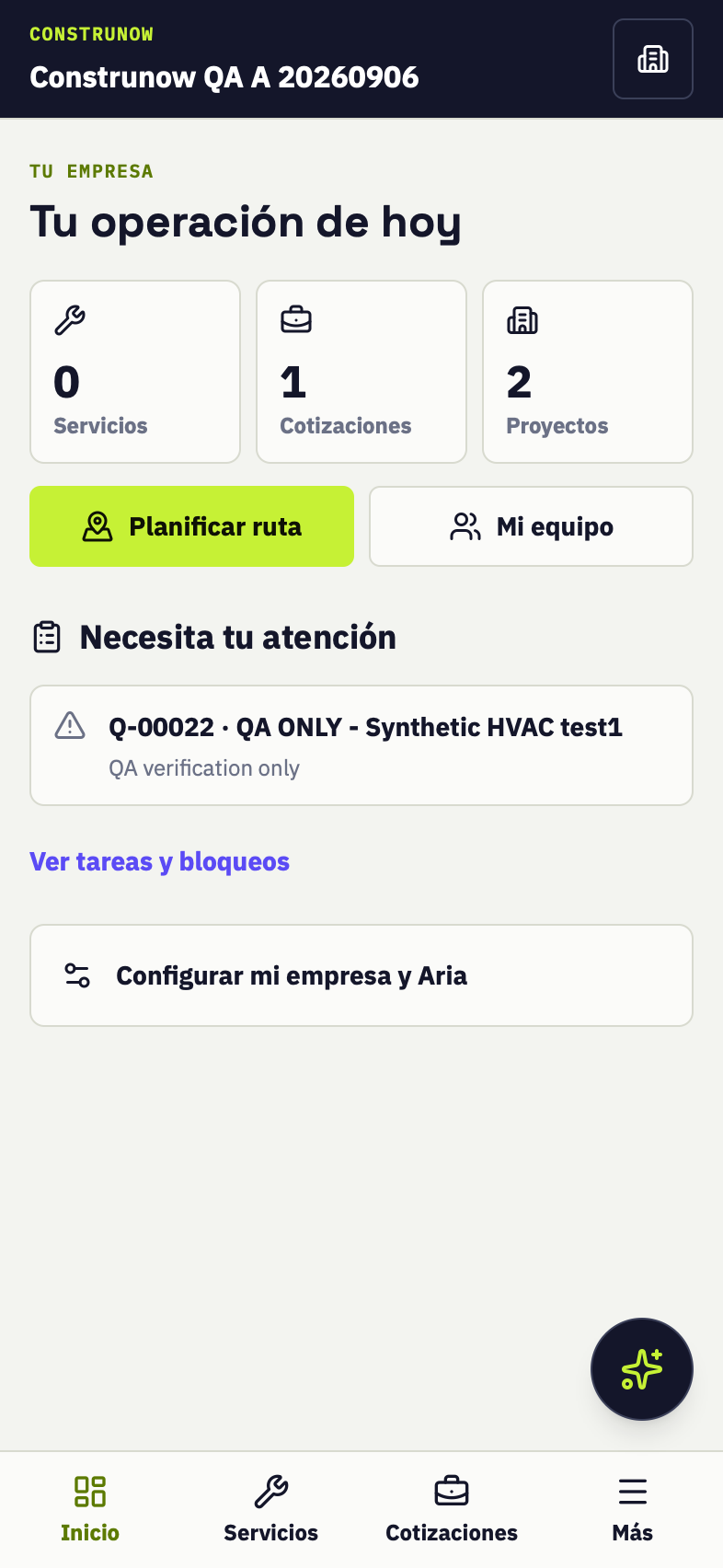
Services, quotes, projects and items that need attention. Setup stays in its own section.
THE CONTROL YOUR TRADE DESERVES
Quote from your PDFs. Organize your team. See what needs attention. CONSTRUNOW brings your company’s work into one place, with Aria by your side.
Prepare my first quoteProduct pilot · For HVAC, electrical, plumbing and construction subcontractors.
PDF → SCOPE → PRICE → QUOTE
No more loose notes or retyping everything. Move forward one decision at a time.
Plans or the client’s scope, attached to the quote. Review each page from your phone.
Aria identifies quantities and open questions. You decide what is included and excluded.
Calculate labor, materials and margin using your own numbers. Stay in control of the price.
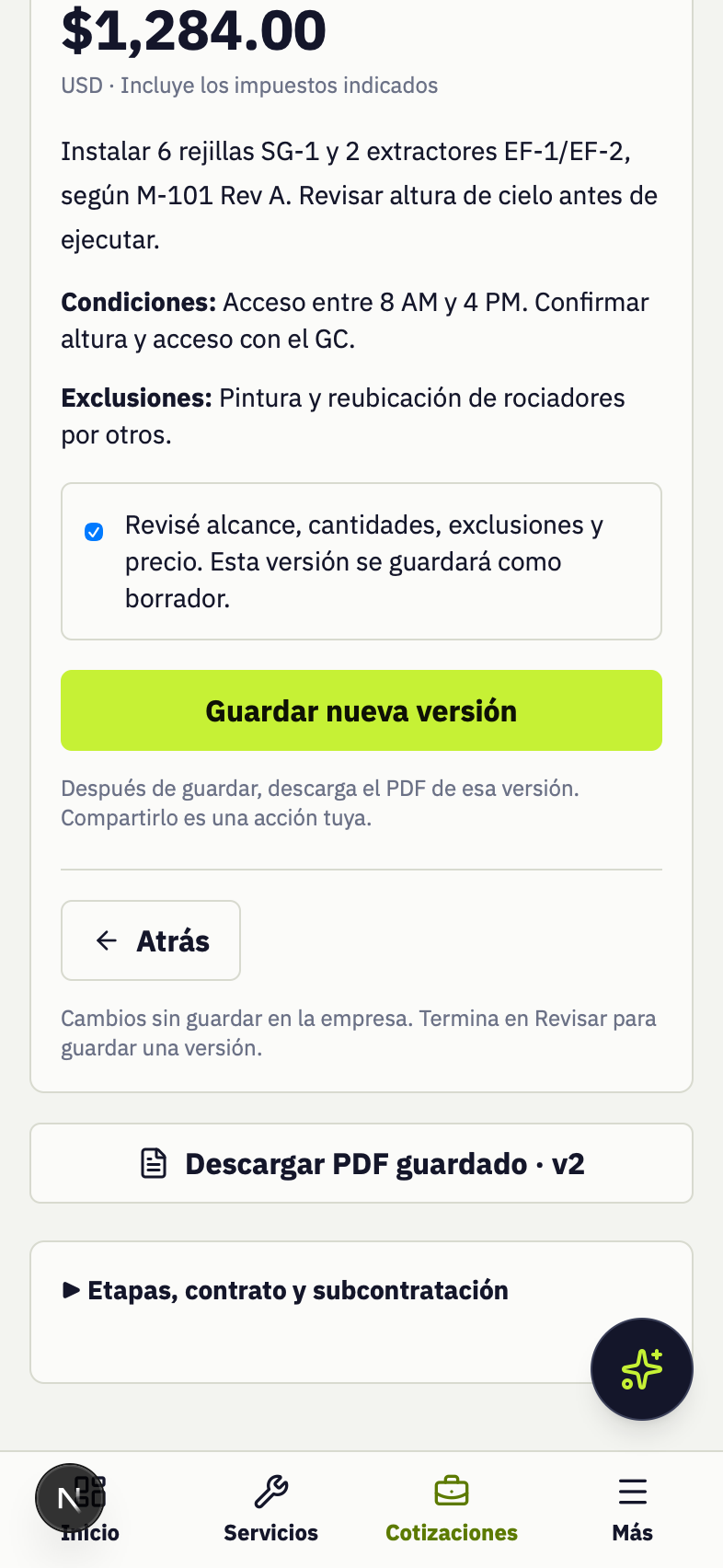
A saved version and a customer PDF. Reopen your quote and keep working.
THINK LIKE AN OWNER
Services, quotes, projects and items that need attention. Setup stays in its own section.
Invite your crew and assign people to projects or services. Every role has its place.
Team guide (Spanish) →Select up to four visits, change their order and open the route in Google Maps.
CLEAR FROM THE START
Attach the file, review scope and quantities with Aria, enter your costs and save a version. Then download the quote PDF.
No. It identifies information in the document and flags missing details. You confirm quantities, productivity, costs, tax and price before saving.
Quotes and internal costs are reserved for office roles. The customer PDF contains scope, conditions, exclusions and the total.
Create invitations for field roles, assign people to projects and attach a team to a service. You share the invitation link with the intended person.
The attached file remains available and you can continue reviewing and quoting manually. You do not need to start over.
The application uses the language set in your profile. Browser access is available; the iPhone version is distributed through the TestFlight pilot.